How to Get the Best Out of Hedsilon

Welcome to Hedsilon! This project is designed to guide you through the key features of Hedsilon, helping you start building and showcasing your data portfolio effectively. Whether you’re a newcomer or an experienced professional, Hedsilon’s tools are here to enhance your portfolio and present your work in the best possible light.
1. Building Your Portfolio
Feature Overview
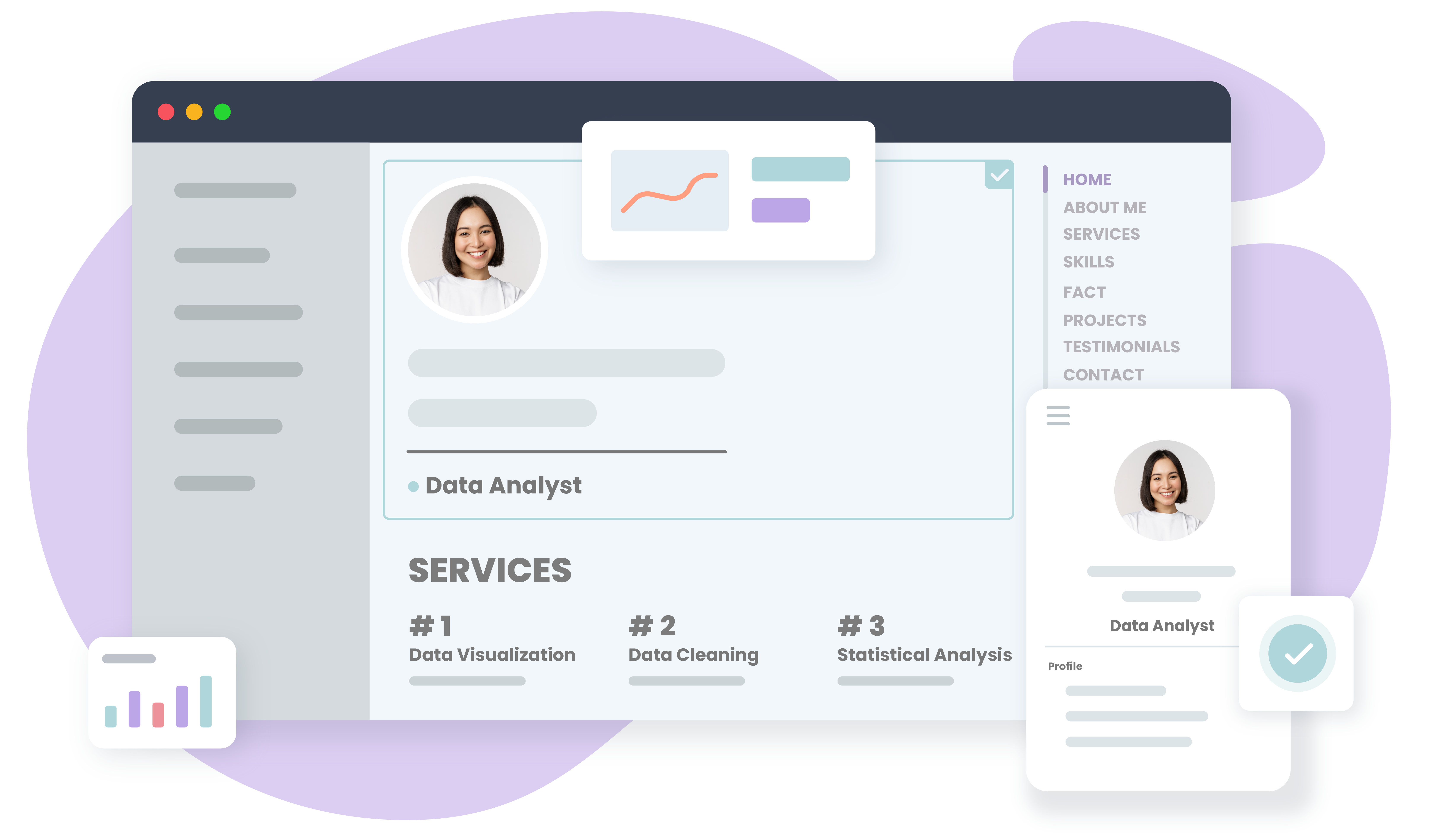
Hedsilon allows you to create a tailored portfolio that highlights your skills, projects, and achievements. You can easily add and organize your work using our intuitive interface and a variety of templates designed to showcase different types of projects.
How to Get Started
- Navigate to the "Create Portfolio" section.
- Choose a template that best fits the type of work you want to showcase.
- Add your projects, including detailed descriptions, data visualizations, and code snippets with syntax highlighting.
- Customize the content to reflect your personal brand and target audience.
Tip
Use the AI feature to generate content tailored to specific job roles or industries. This ensures your portfolio is relevant and impactful.
2. Embedding Live Reports
Feature Overview:
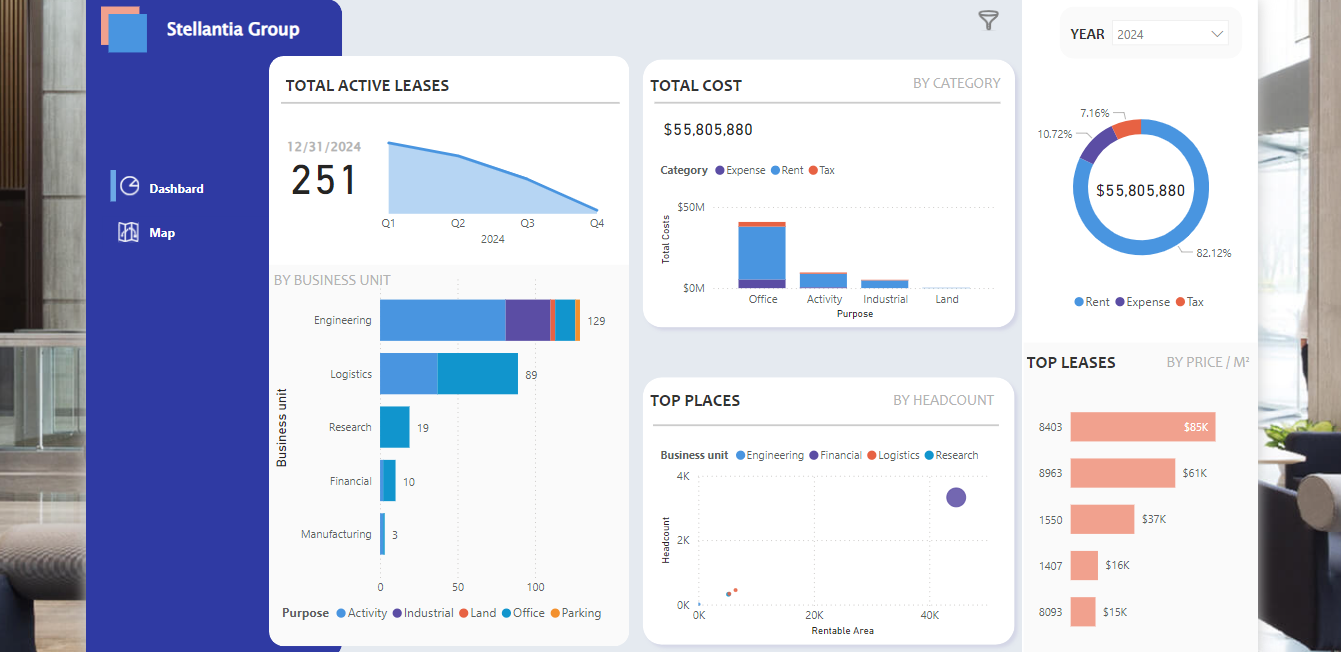
One of Hedsilon’s features is the ability to embed interactive Power BI/Tableau reports directly into your portfolio. This allows you to demonstrate your data analysis skills and provide a dynamic view of your work.
How to Get Started with Power BI report embedding:
- Request your Power BI credentials through the Hedsilon platform.
- Once received, log in to Power BI and publish your reports.
- Embed the published reports into your Hedsilon portfolio by selecting the "Embed Report" option in the project editor.
Tip:
Ensure your reports are interactive and user-friendly. This adds significant value to your portfolio, allowing viewers to explore your data insights in real-time.
4. Customizing and Sharing Your Portfolio

Feature Overview:
Hedsilon allows you to create multiple portfolio versions, each tailored to different roles or clients by selecting specific projects and customizing the content. You can publish your portfolio using a free Hedsilon subdomain or connect your own custom domain for a personalized touch.
How to Get Started:
- Create different versions of your portfolio by duplicating the existing one and customizing the content as needed.
- Choose a unique Hedsilon subdomain to publish your portfolio, or connect your custom domain if you prefer.
- Share your portfolio link with potential employers, clients, or as part of your job applications.
Tip:
Regularly update your portfolio to reflect your latest work and achievements. A fresh, up-to-date portfolio can make a significant difference in how you’re perceived by potential employers.
5. Tracking Portfolio Visits
Feature Overview:
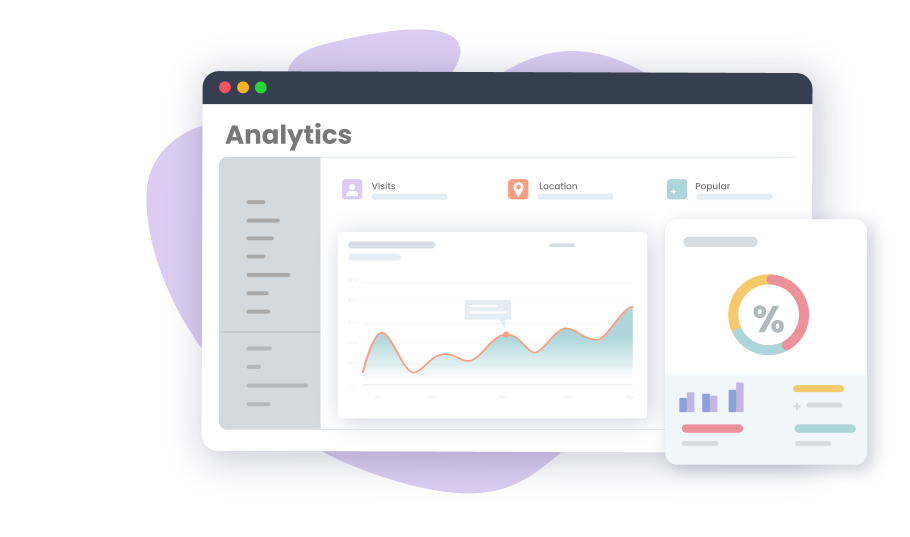
Hedsilon provides analytics to help you track how your portfolio is being viewed. This feature allows you to see who has visited your portfolio, providing valuable insights into your reach and impact.
How to Get Started:
- Enable tracking in the "Portfolio Settings" section.
- Review the analytics dashboard to monitor visits, engagement, and other key metrics.
Tip:
Use this data to refine your portfolio and tailor it further based on viewer behavior and feedback.
Conclusion
Hedsilon is a platform designed to help you showcase your skills and projects effectively. By leveraging features like AI-generated content, Live reports integration, and code highlighting, you can build a portfolio that truly represents your expertise. With the option to publish under a Hedsilon subdomain or your own custom domain, you have the flexibility to share your work in the way that suits you best. Get started today, and let your portfolio speak for itself!

Omar Farouq
Data Analyst